The Customers section in Ryviu helps you manage customer information and track their activity. This feature is available with the Loyalty Add-on.
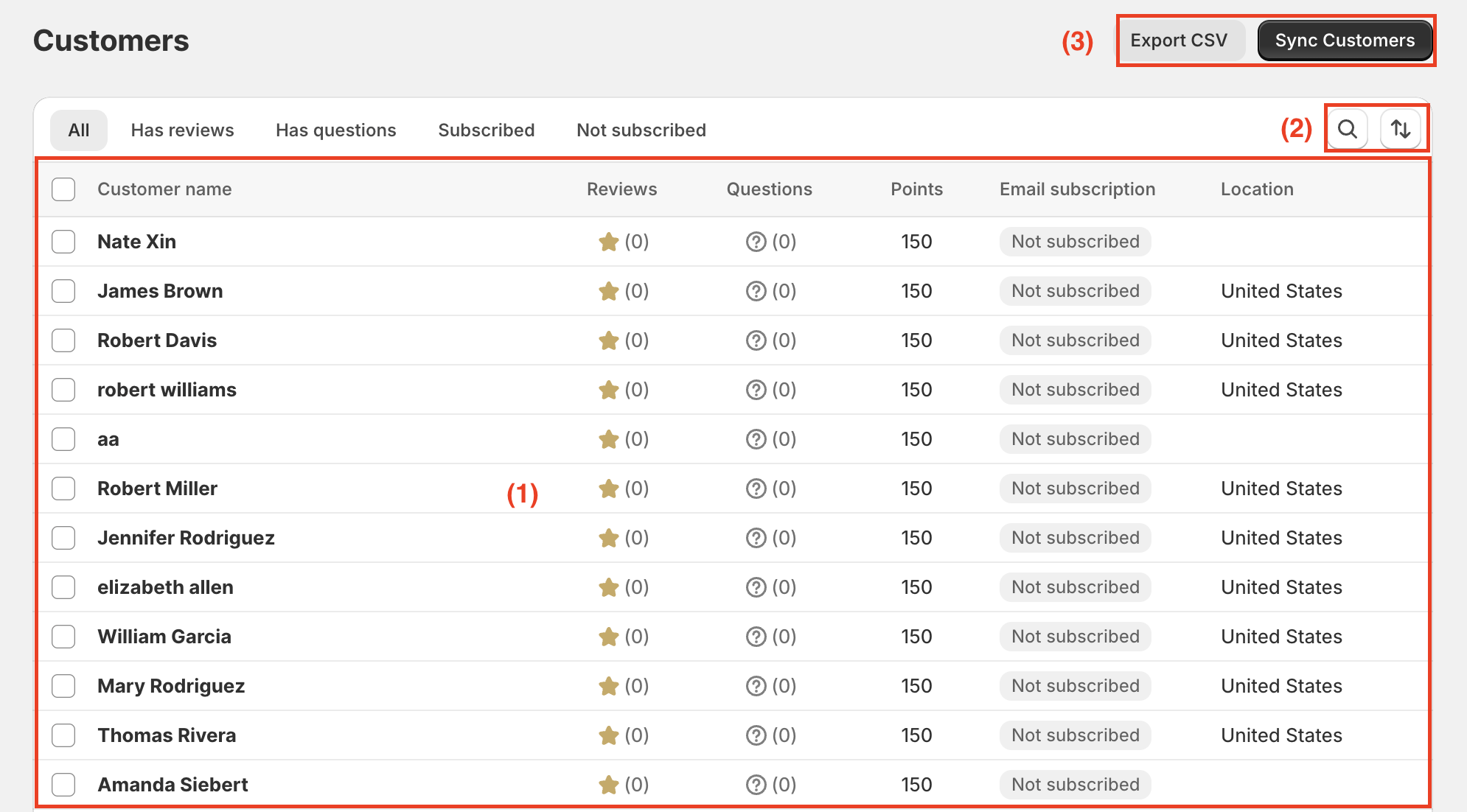
The Customers page displays customer information, including:
Customer Name: Customer's name.
Reviews: Number of reviews submitted by the customer.
Questions: Number of questions submitted by the customer.
Points: Customer's loyalty points.
Email Subscription: Customer's email subscription status.
Location: Customer's location.
You can use the available filters to find customers based on their activity and email subscription status:
All: Display all customers.
Has Reviews: Show customers who have submitted reviews.
Has Questions: Show customers who have submitted questions.
Subscribed: Show customers who have subscribed to emails.
Not Subscribed: Show customers who haven't subscribed to emails.
You can also use the search and sort options to find and organize customer records.
The Customers page provides two useful actions:
Export CSV: Download customer information as a CSV file.
Sync Customers: Sync customer information from the Customers page in your Shopify admin to Ryviu.
Need help?
Get in touch with our support team through live chat or email at [email protected]. We're here to help!